Announcing: Scheduling & Supply Studio
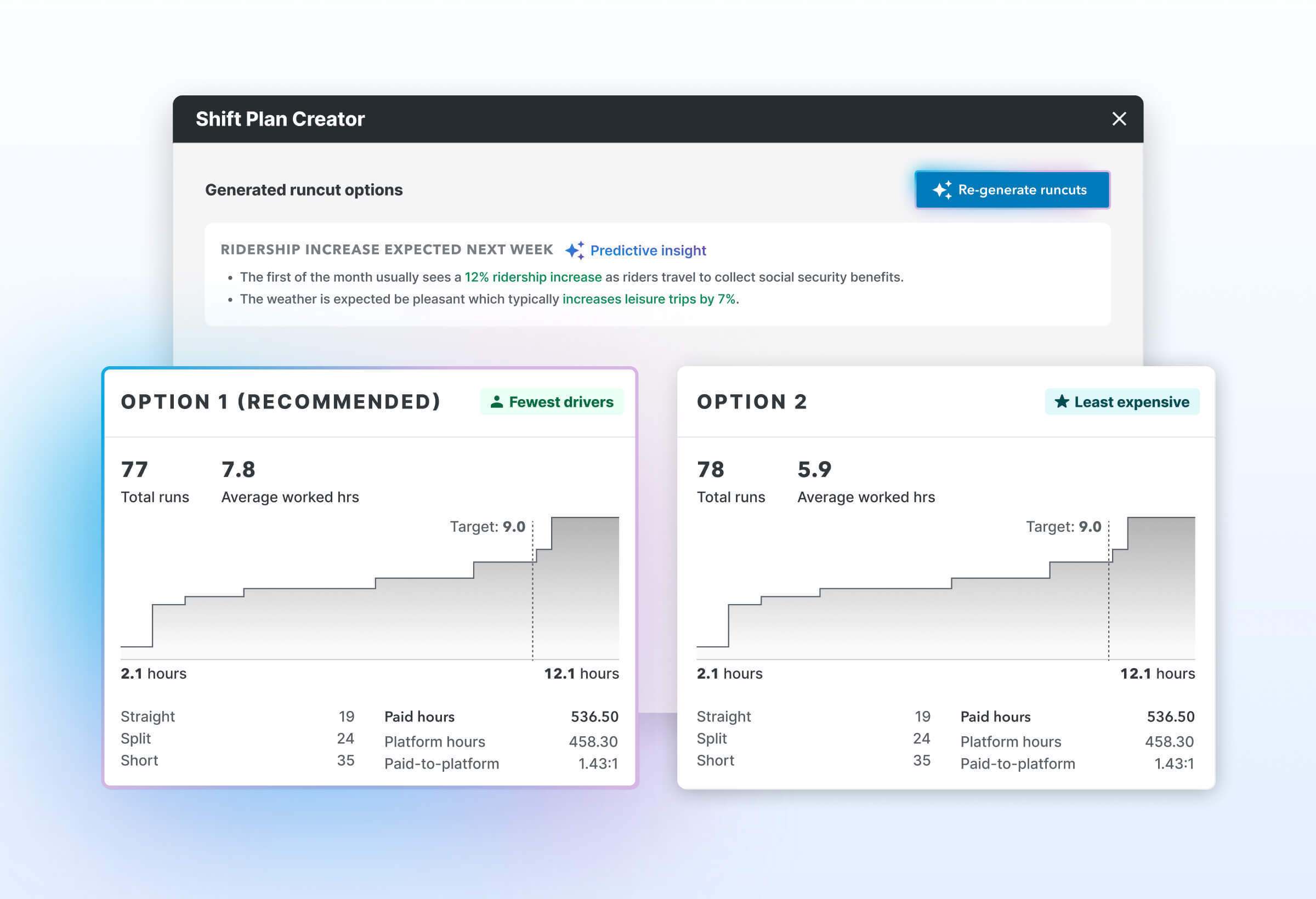
For the first time, Remix Scheduling helps you plan and optimize schedules across every transit mode — all in one place. Whether you’re running paratransit, microtransit, fixed-route, or all three, build smarter, more efficient schedules, so every vehicle, operator, and hour can go further.
“This was a game changer! It made creating shifts so much easier.” — Team at GLTC Lynchburg, VA
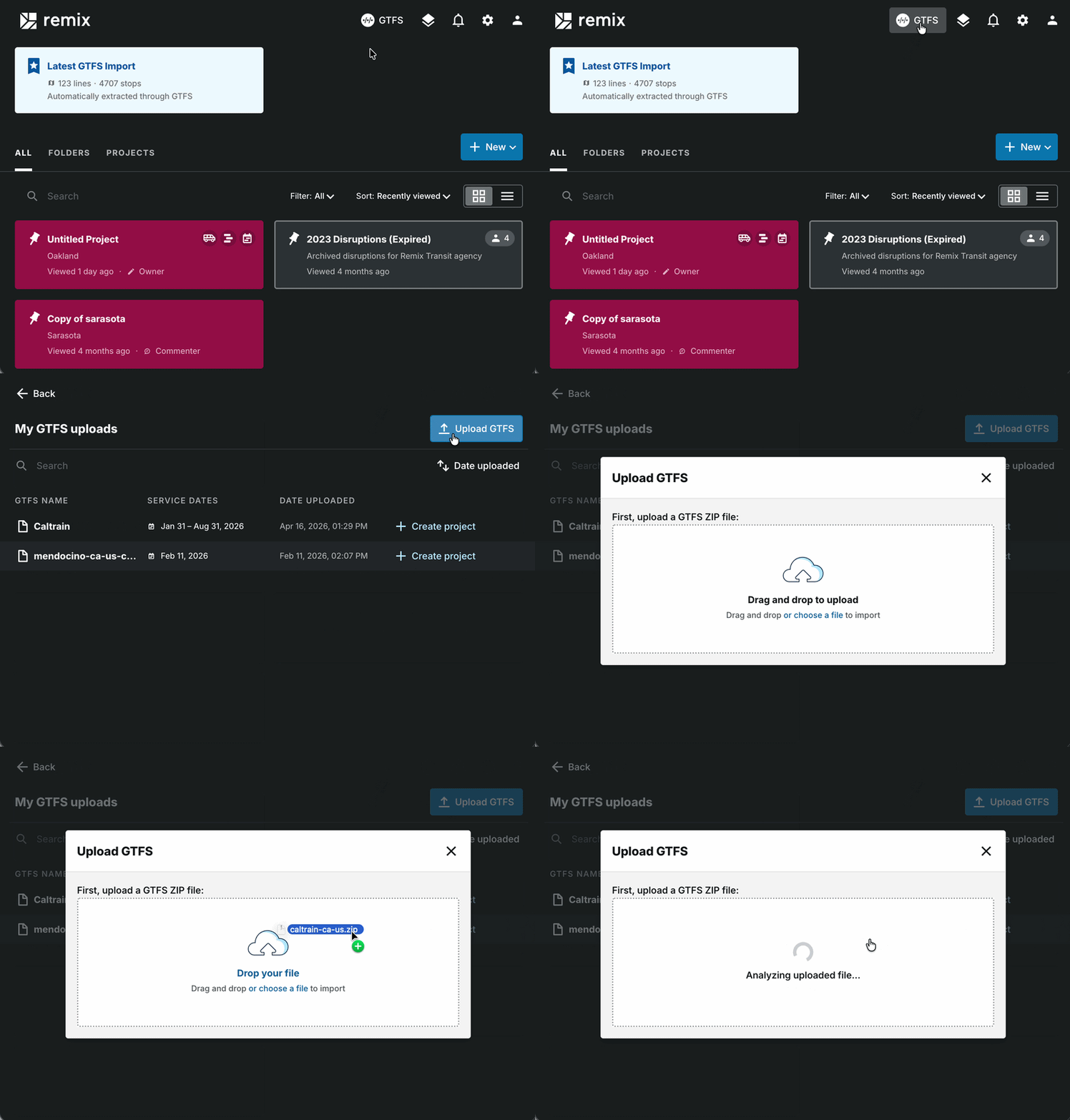
Introducing Self-Serve GTFS
Upload your own transit data directly into Remix — no waiting, no friction. Analyze past or future service on your timeline.
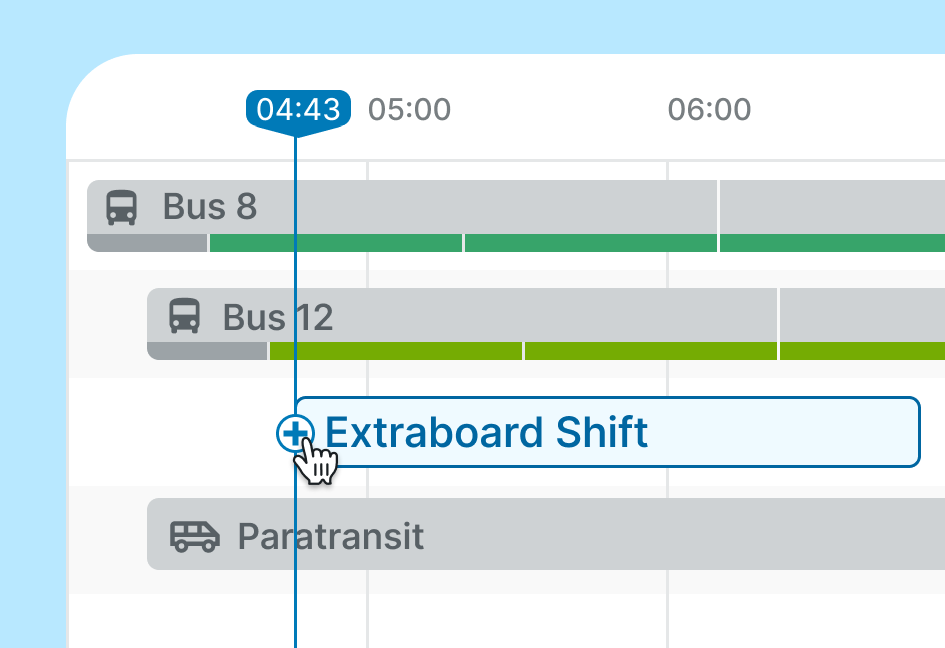
Manage driving and non-driving work together
Get a full picture of every workstream and cost across your entire schedule.
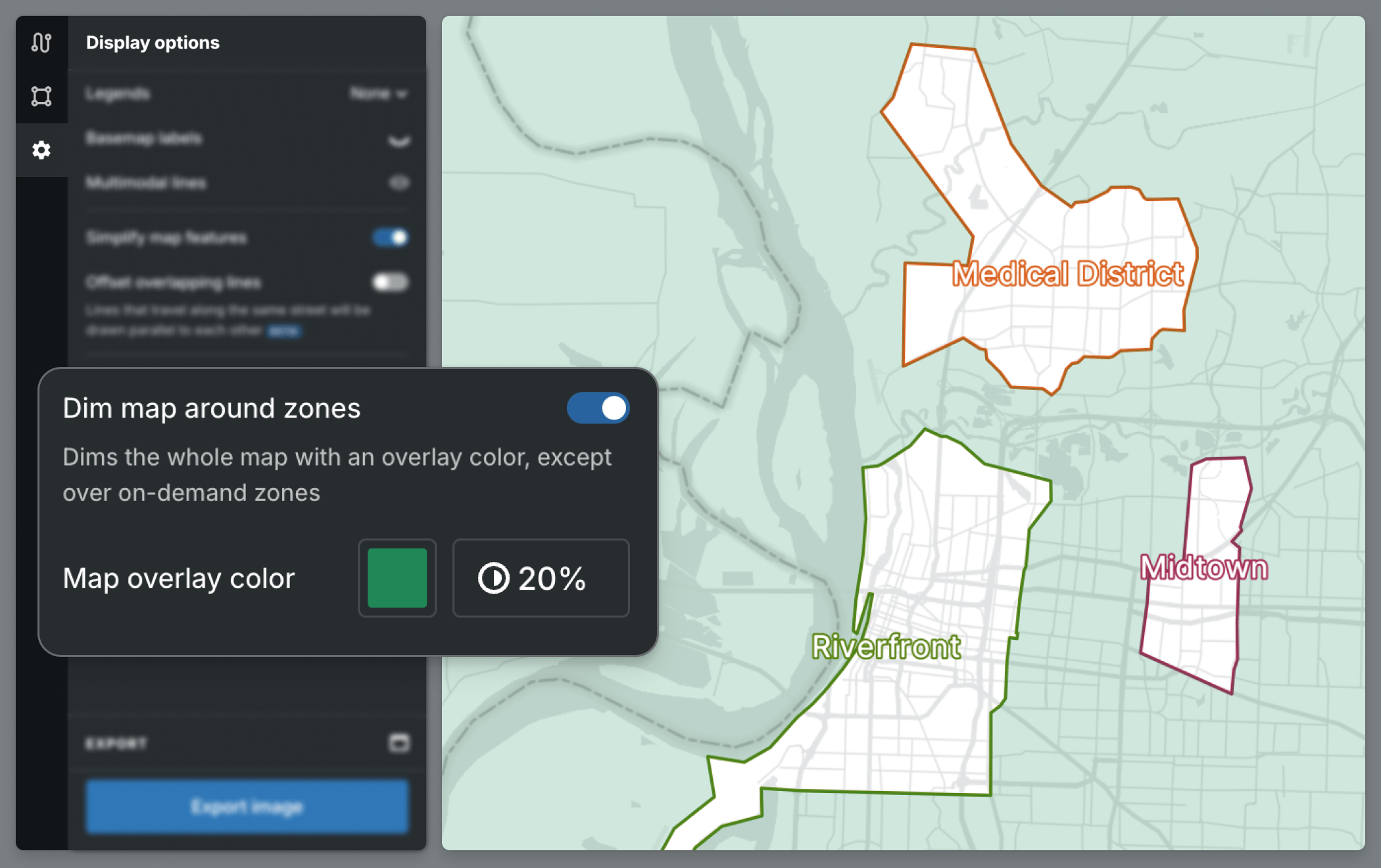
Highlight your on-demand zones in Presentation Studio
Create presentation-ready maps by dimming the area around a selected zone, making it easier to spotlight key zones, internal points, or service areas.
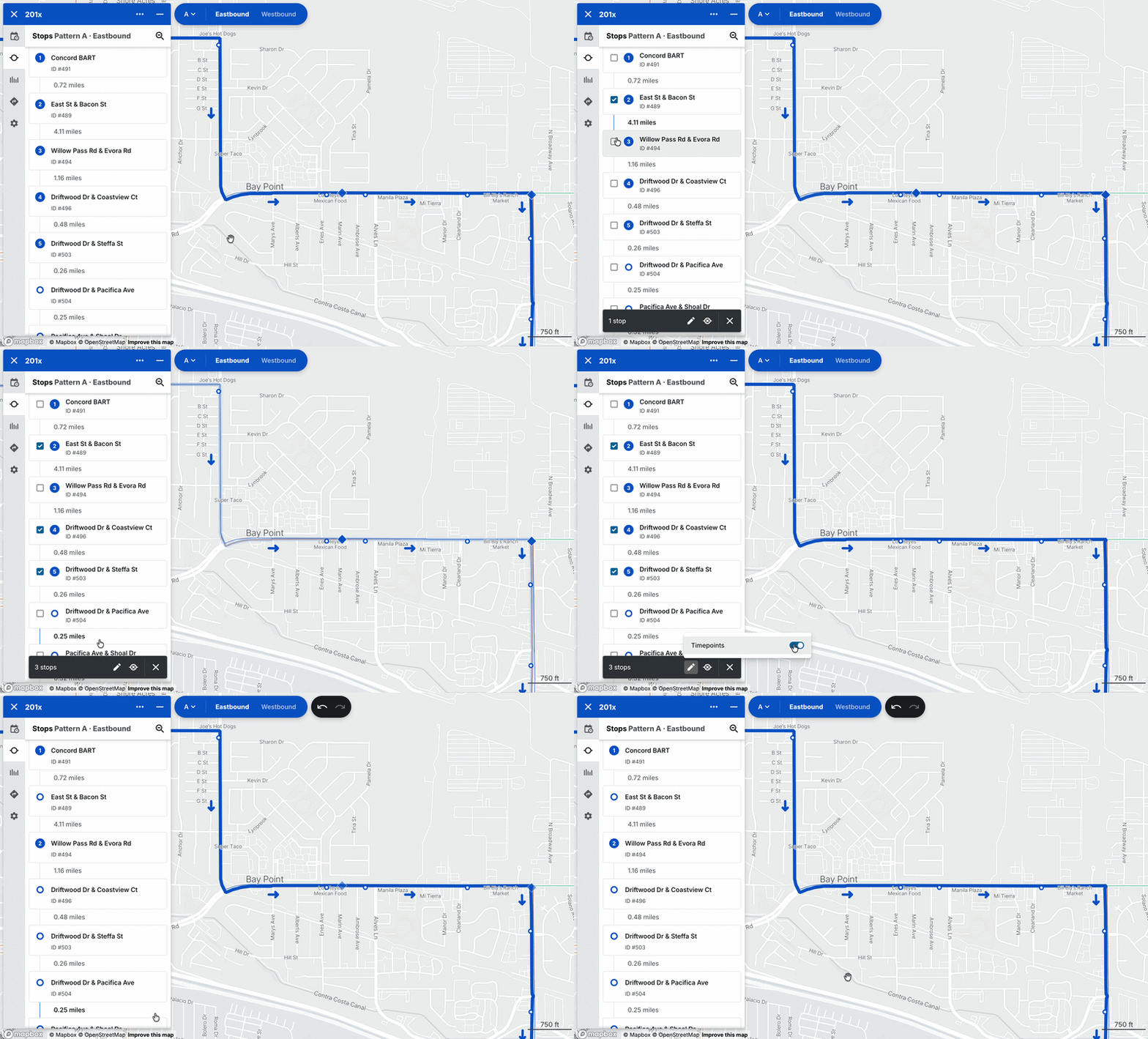
Edit stops faster, one line at a time
Quickly toggle timepoints or deactivate multiple stops in bulk from a selected line’s stop list — making service edits faster, cleaner, and much less repetitive.
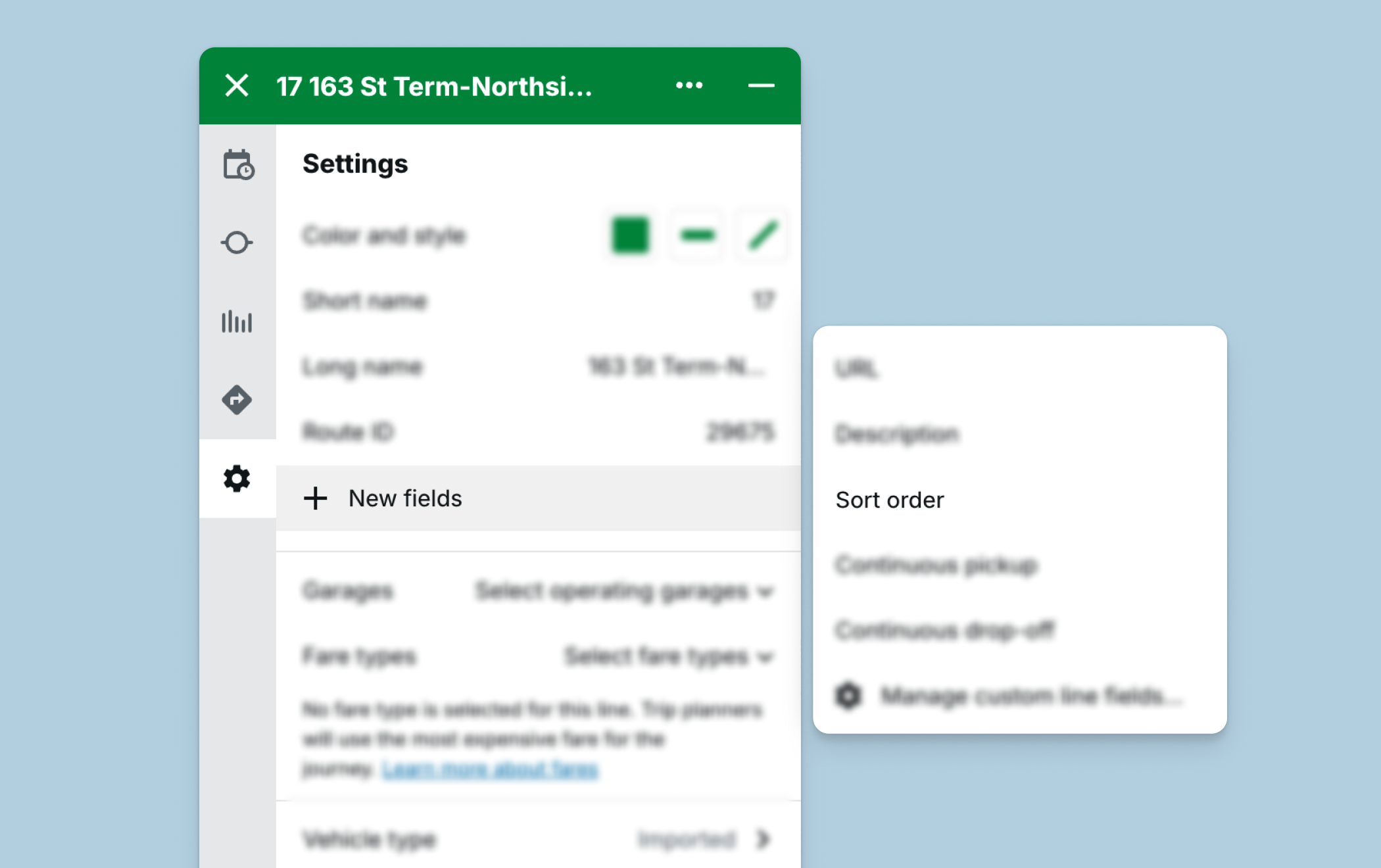
Control how lines appear on the map
Set route sort order to choose which transit lines appear on top of others — making it easier to style clean, presentation-ready maps for exports and stakeholder walkthroughs.
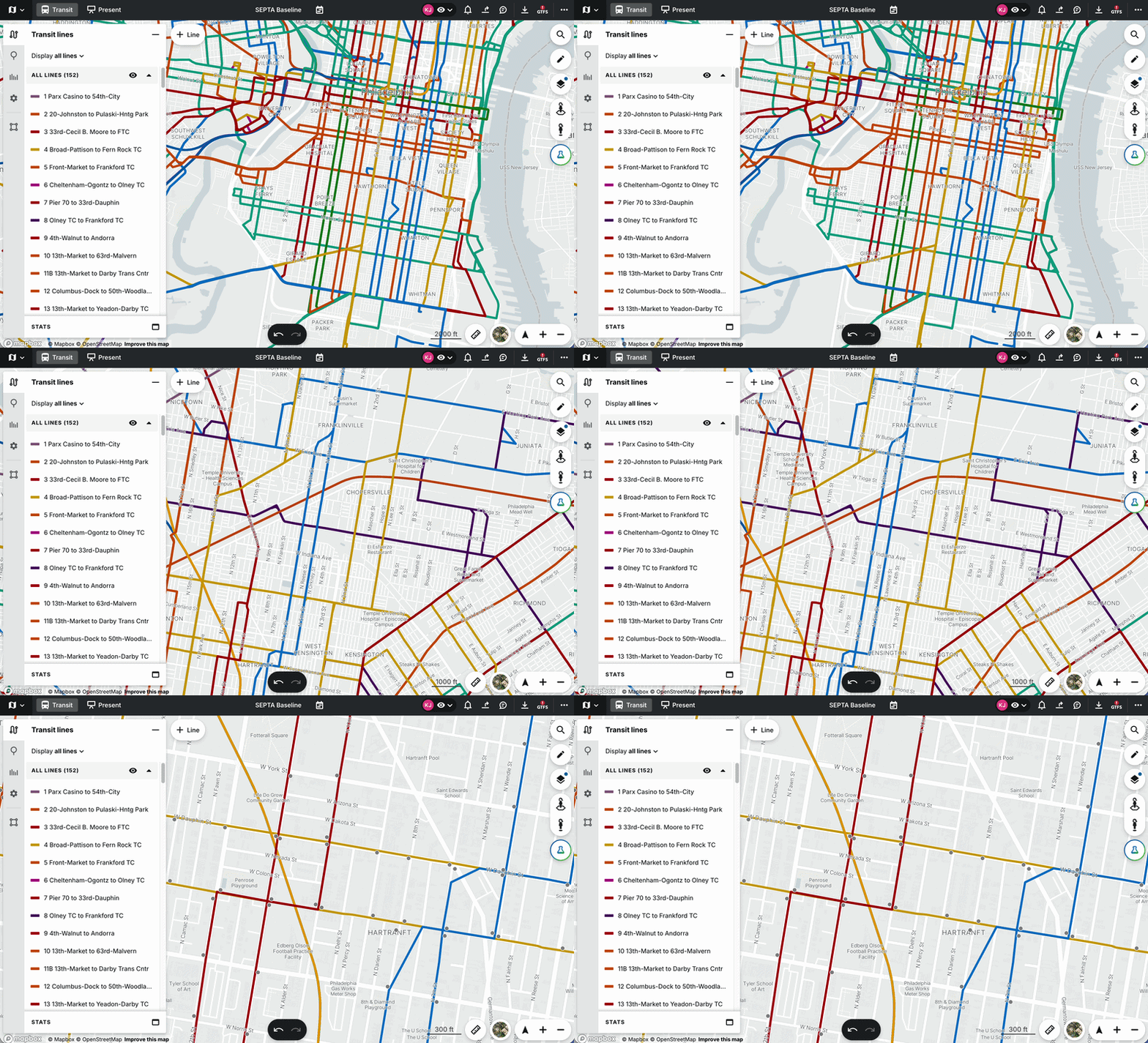
Jump back to any map view in seconds
Save your current map position and zoom level with [Shift + Number], then return to that exact viewport anytime — perfect for comparing assets in Presentation Studio or guiding colleagues through service changes.
Have questions? Please reach out to your Partner Success Manager.